Tips for Creating a Cozy and Functional Home Office Space
Creating a home office space that is both cozy and functional can make a significant difference in your work-from-home experience. Whether you have a dedicated room or just a small corner, designing a space that encourages focus while feeling comfortable helps improve productivity and overall well-being. Here are some practical tips to help you build a home office that suits your needs.
Choose the Right Location
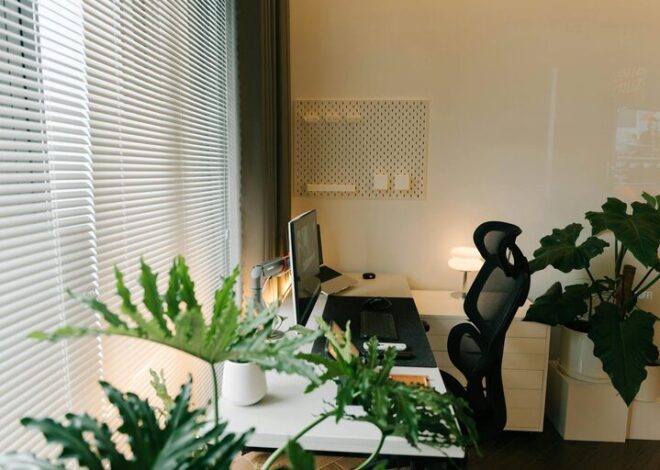
Consider Natural Light
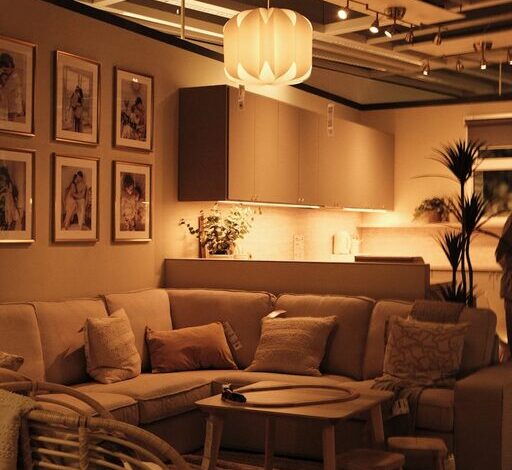
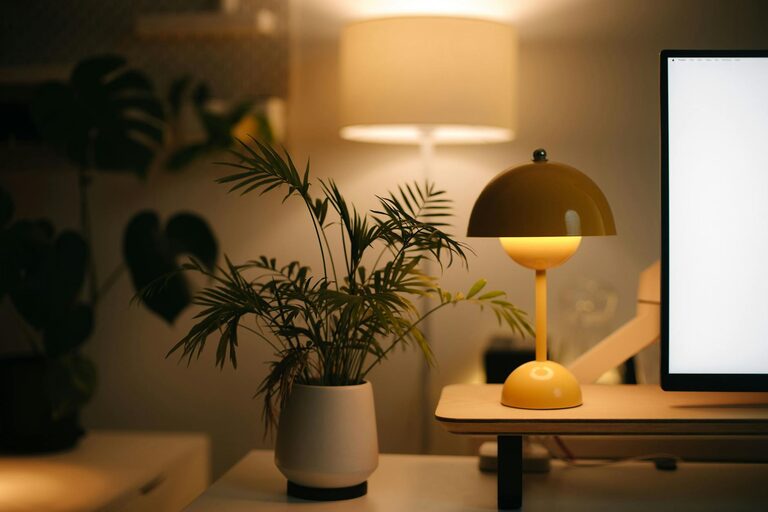
Position your desk near a window if possible. Natural light helps reduce eye strain and elevates your mood. If natural light is limited, opt for warm, soft artificial lighting that reduces glare and creates a relaxing atmosphere.
Minimize Distractions
Select a quiet spot away from high-traffic areas. If that’s not an option, consider noise-canceling headphones or adding sound-absorbing materials like rugs and curtains to reduce background noise.
Invest in Comfortable and Ergonomic Furniture
Ergonomic Chair
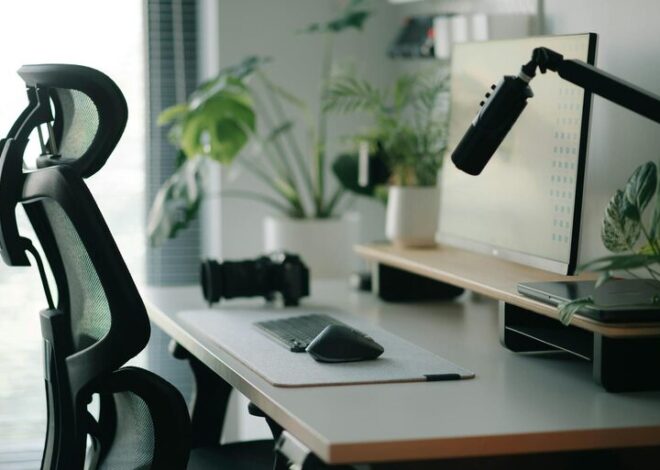
A good chair supports your back and promotes good posture. Look for adjustable chairs with lumbar support to prevent discomfort during long working hours.
Desk Options
Choose a desk with enough surface area to hold your computer, notes, and essential supplies. Standing desks or adjustable-height desks provide flexibility to switch between sitting and standing.
Organize Your Space Efficiently
Declutter Regularly
Keep only the essentials on your desk to maintain focus. Use cable organizers to avoid tangled wires and keep the workspace tidy.
Storage Solutions
Utilize shelves, drawers, or filing cabinets to store paperwork, office supplies, and personal items. Label containers to quickly find what you need and reduce clutter.
Personalize Your Workspace
Add Personal Touches
Incorporate items that make you feel happy and inspired, such as photos, plants, or artwork. These touches add warmth and make your office feel welcoming.
Choose Calming Colors
Paint or decorate your space with colors that promote relaxation and concentration. Soft blues, greens, and neutrals tend to work well in work environments.
Optimize Technology and Tools
Reliable Equipment
Ensure your computer, printer, and internet connection are dependable. Investing in good-quality technology reduces frustration and improves efficiency.
Use Helpful Accessories
Consider items like an external monitor for better screen space, a quality keyboard and mouse for comfort, and good lighting to prevent eye strain.
Maintain Good Air Quality and Comfort
Ventilation
Keep your office well-ventilated for fresh air. Opening windows or using an air purifier can improve air quality, which helps you stay alert.
Temperature Control
Having a comfortable temperature is key. A small fan or heater can help regulate the space according to your needs.
Establish Boundaries to Balance Work and Life
Separate Work from Leisure
Try to keep your office space dedicated to work only. Avoid using it for unrelated activities so your brain associates the space specifically with productivity.
Set a Routine
Having a consistent schedule for work hours helps create a boundary between work time and personal time, reducing burnout.
Keep It Flexible
Adapt to Your Needs
Your ideal workspace may change over time. Be open to rearranging the layout, trying new organizational tools, or updating equipment as needed.
—
By thoughtfully designing a home office space that balances comfort with practicality, you can create an environment that enhances your focus and well-being. Little changes can make a big difference in how productive and enjoyable your workday becomes. Remember, the best home office is one tailored to your personal needs and preferences.