Tips for Creating a Cozy and Productive Home Office Space
Creating a home office that feels cozy yet supports productivity is a goal many of us share, especially as remote work becomes more common. Whether you have a dedicated room or just a small corner, you can design a space that helps you focus while making you feel comfortable and relaxed. In this post, we’ll explore practical tips for setting up a home office that meets both needs.
Why a Cozy Office Matters
A cozy office isn’t just about aesthetics; it influences your mood and work quality. When your workspace feels inviting, you’re more likely to enjoy working there, stay motivated, and avoid burnout. Comfort reduces distractions caused by discomfort and helps maintain concentration for longer periods.
Choose the Right Location
The first step is picking the best spot in your home. Here are some considerations:
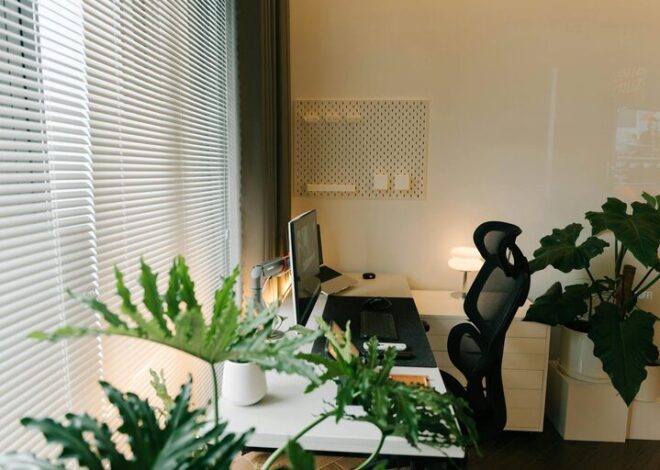
– Natural Light: Aim for a place near a window. Natural light improves mood and reduces eye strain.
– Quiet Area: Choose a location with minimal noise to help keep distractions low.
– Space Availability: Make sure there’s enough room for your equipment and some movement.
– Privacy: If possible, avoid high-traffic areas to maintain focus.
Even a small nook can work well when planned efficiently.
Invest in Comfortable Furniture
Your furniture directly affects your comfort and health.
Desk
Select a desk that fits your space and work habits. If you use multiple devices or need paper space, opt for larger desks. Adjustable desks that can switch between sitting and standing positions offer flexibility and health benefits.
Chair
A comfortable, ergonomic chair is essential. Look for adjustable features like seat height, lumbar support, and armrests. Sitting for long hours demands a chair that supports your spine and encourages good posture.
Organize for Efficiency
Clutter distracts and wastes time. A neat office enhances clarity and focus.
– Storage Solutions: Use shelves, drawers, or cabinets to keep supplies organized.
– Cable Management: Untangle cords with clips or cable boxes to avoid mess.
– Desk Layout: Keep frequently used items within arm’s reach.
– Digital Organization: Maintain orderly digital files and use software tools to track tasks.
Regularly declutter to keep the space inviting.
Add Cozy Elements
To make your office feel welcoming, add touches that bring warmth and personality.
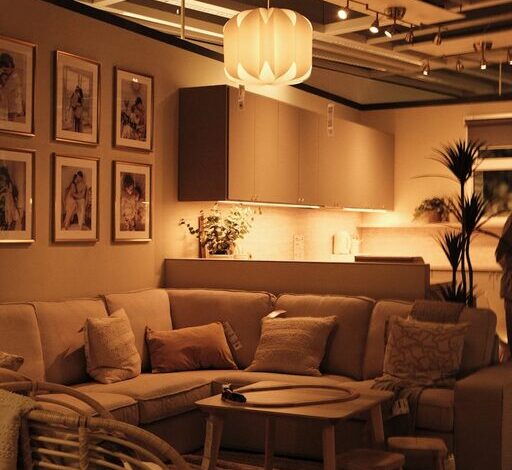
– Soft Textiles: A rug, cushions, or a throw blanket add texture and comfort.
– Plants: Greenery can boost mood and air quality.
– Personal Items: Photos, artwork, or meaningful objects create a sense of belonging.
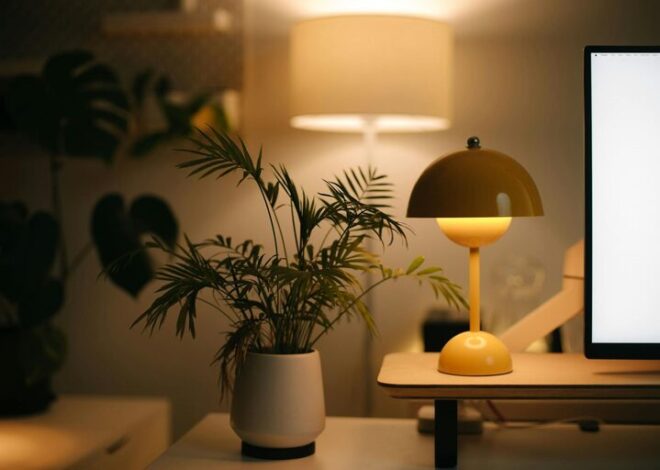
– Lighting: Incorporate soft lamps or warm light bulbs to complement natural light and reduce glare.
These touches make your workspace inviting without overwhelming it.
Optimize Lighting
Good lighting helps reduce eye strain and keeps energy levels up.
– Balance Light Sources: Combine natural light with overhead and task lighting.
– Avoid Glare: Position screens to avoid reflections.
– Adjust Brightness: Use dimmers or adjustable lamps to control lighting intensity based on the time of day.
Proper lighting supports comfort and productivity.
Manage Noise Levels
Noise disruptions can hurt focus. Consider these methods:
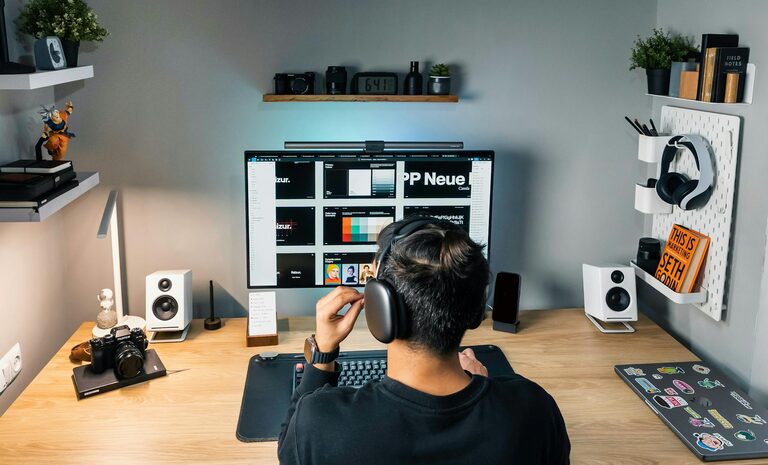
– Noise-Canceling Headphones: Useful for blocking out distractions.
– Quiet Appliances: Avoid noisy equipment in your office space.
– Soundproofing: Rugs, curtains, and acoustic panels help absorb sound.
– Background Music or White Noise: Some find that gentle sound helps concentration.
Find what works best for your work style.
Establish Work Boundaries
Creating clear boundaries prevents work from spilling into personal time.
– Set Working Hours: Define your schedule and stick to it.
– Separate Work and Relaxation Areas: If possible, keep your office distinct from leisure spaces.
– Signage or Visual Cues: Let household members know when you shouldn’t be disturbed.
Healthy boundaries maintain a good work-life balance.
Keep Technology Up to Date
Reliable technology makes work smoother and more efficient.
– Good Internet Connection: Essential for video calls and online tasks.
– Updated Software: Keep programs current to avoid interruptions.
– Backup Solutions: Use cloud storage or external drives to protect your data.
– Proper Equipment: Invest in quality monitors, keyboards, and mice that fit your workflow.
Technology that matches your needs reduces frustration.
Personalize Without Overdoing It
Adding elements that reflect your personality can boost happiness and motivation.
– Choose a color palette that feels calming and energizing.
– Decorate with items that inspire you, but avoid clutter.
– Incorporate hobbies or interests if space allows.
Personal touches encourage a positive mindset for work.
Final Thoughts
Designing a cozy and productive home office is about finding balance. With thoughtful furniture, organization, lighting, and personal touches, you can create a space that supports your focus and well-being. Start small, adjust as you go, and most importantly, make it your own. Your home office should be a place you look forward to working in every day.